


Download RNZ APK – Radio New Zealand app, news app, live radio, on-demand audio, podcasts, news and current affairs, music and talk, mobile app for RNZ
Overview
RNZ APK is a free Android application developed by Radio New Zealand, designed to deliver comprehensive audio content directly to users across New Zealand and beyond. The app serves as a digital gateway to RNZ’s trusted network of journalists and expert contributors, offering timely news coverage, current affairs programming, arts and entertainment features, and diverse audio formats. It is tailored for individuals seeking reliable, high-quality information and entertainment through radio and podcast content, whether they are at home, commuting, working, or traveling.
The software enables users to stay informed with breaking news alerts delivered from RNZ’s global reporting network, access live streams of music, sports, news, and talk programming, and explore an extensive on-demand library of podcasts, documentaries, and feature reports. A personalized experience is supported through features like favorite show saving, playlist creation, and recommendation algorithms based on listening behavior. These functionalities cater to both casual listeners and dedicated followers of RNZ’s content.
As a mobile solution, RNZ APK emphasizes accessibility and convenience, aligning with modern user habits of consuming media on the go. The app is structured to serve a broad audience, including general consumers, news enthusiasts, and those interested in cultural and educational programming. The developer did not provide additional details about the organization’s technical background or development philosophy.
Key Features & Capabilities
- Breaking News Alerts – Receive real-time updates on major events from RNZ’s network of journalists and contributors, ensuring users are informed as events unfold.
- Live Radio Streaming – Tune into continuous broadcasts of music, sports, news, and talk shows anytime, anywhere, with stable streaming performance on supported devices.
- On-Demand Audio Library – Access a vast archive of podcasts, documentaries, and feature reports, allowing users to explore past content at their convenience.
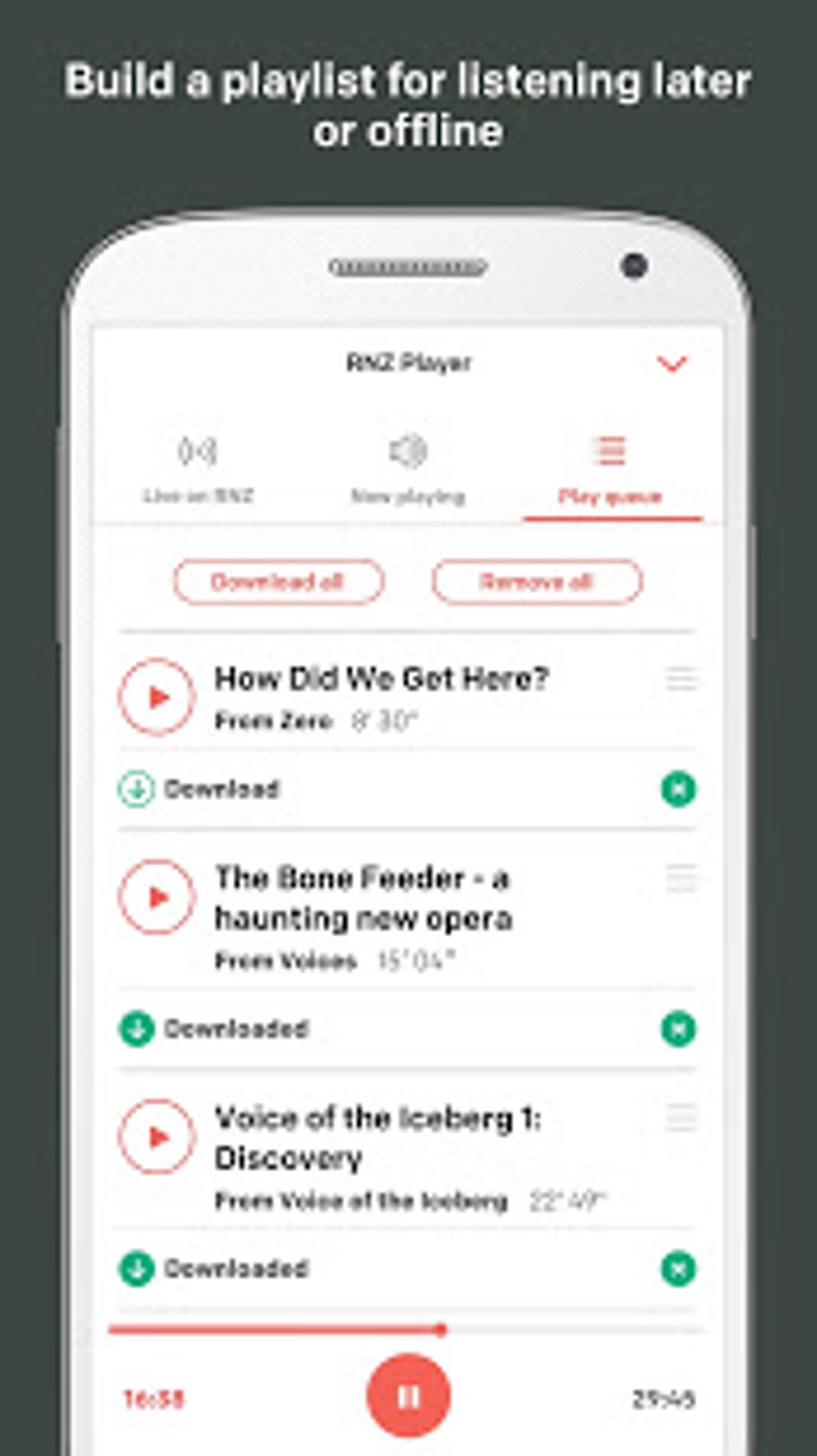
- Personalized Listening Experience – Save favorite shows, create custom playlists, and receive tailored content suggestions based on individual listening habits.
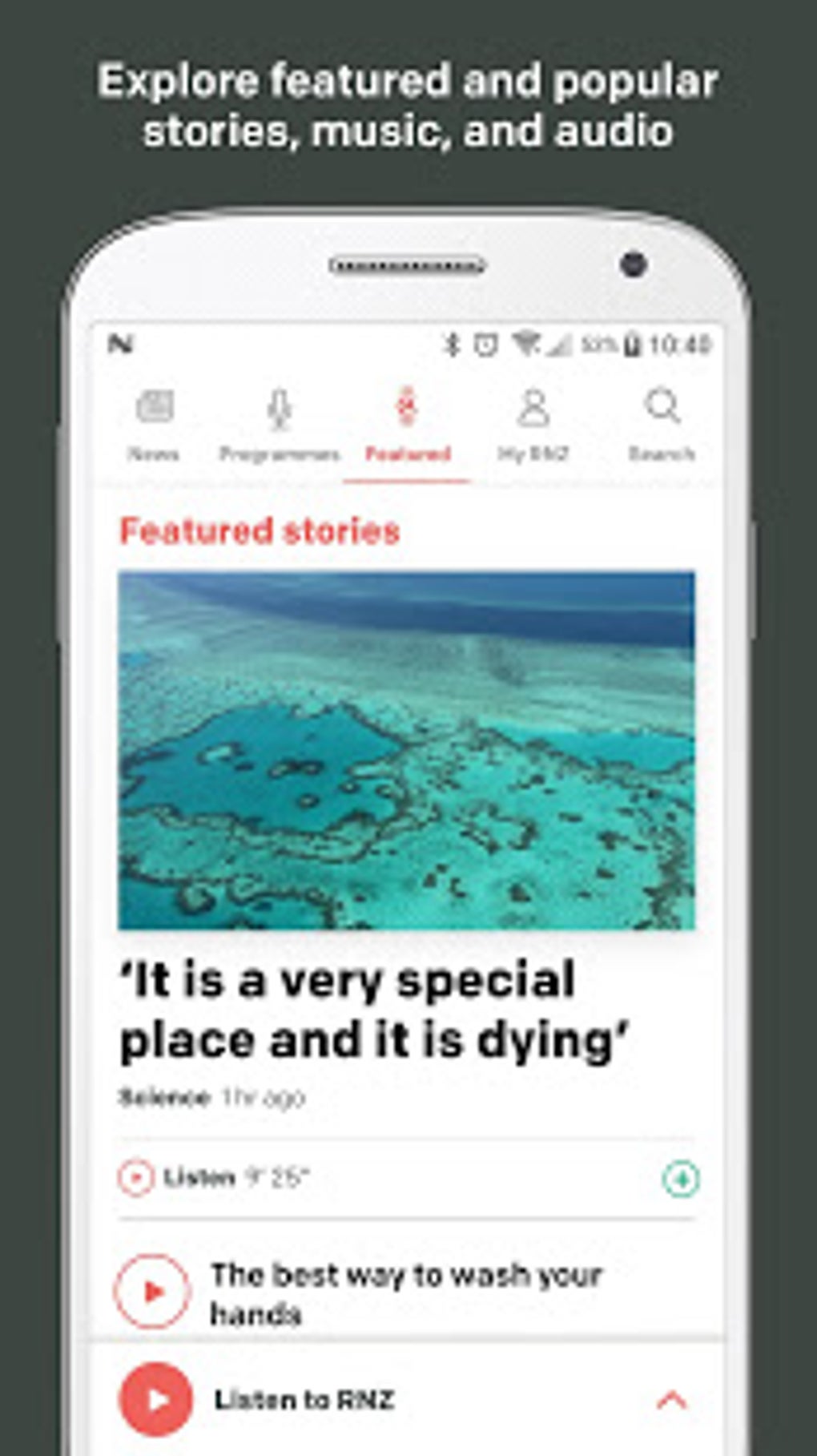
- Intuitive User Interface – Designed with a clean layout that simplifies navigation and content discovery, enhancing usability across different user skill levels.
These features collectively support a seamless audio consumption workflow. For example, a user can start their day with a live news stream, save a documentary for later, and later receive a recommendation for a related podcast based on previous listens. The app’s structure enables efficient content discovery and management, reducing the time needed to locate desired audio material. The developer did not specify technical details about data usage, background performance, or storage management.
User Interface, Workflow & Performance
The RNZ APK features a clean, intuitive interface that prioritizes ease of access to core functions. Navigation is structured around main content categories: live streams, on-demand audio, news, and personal preferences. Users can quickly switch between these sections using a bottom navigation bar or a side menu, depending on device layout. The design emphasizes readability and visual clarity, with consistent iconography and typography that support fast comprehension.
Workflow efficiency is enhanced by the app’s organization of content into logical sections. For instance, news articles are grouped by topic and region, while audio content is categorized by genre, duration, and popularity. The personalization features allow users to curate their own listening experience, reducing the need for repeated searches. However, the developer did not specify resource usage details, so exact performance behavior in terms of CPU, RAM, or battery consumption remains unknown.
General software behavior patterns suggest stable operation under typical usage conditions, but specific stability metrics were not provided. Users can expect standard performance for a media-focused Android application, including smooth playback and responsive interaction. No information was shared about crash rates, update frequency, or background process management.
Compatibility & System Requirements
RNZ APK is designed for Android operating systems and is compatible with devices running the specified version. The app has a file size of 22.5 MB, indicating a lightweight footprint that should not significantly impact device storage. Installation is straightforward, following standard Android app deployment procedures.
Exact system requirements were not listed, including minimum Android version, RAM, or processor specifications. Compatibility information was partially provided, with only the OS and size confirmed. The developer did not disclose hardware or software prerequisites beyond the operating system. Users should ensure their device supports the latest Android updates to maintain optimal functionality.
Pros and Cons
Pros
- Free to download and use with no in-app purchases or subscription barriers
- Comprehensive access to live radio, breaking news, and on-demand audio content
- Personalized features such as favorites, playlists, and recommendations enhance user engagement
- Intuitive interface designed for easy navigation and content discovery
- Lightweight size (22.5 MB) suitable for devices with limited storage
Cons
- Compatibility details beyond Android OS were not provided
- Performance metrics such as battery usage or background activity were not disclosed
- Limited to Android platform; no support for iOS or other mobile operating systems
- Personalization features may require consistent usage to generate accurate recommendations
- No information available on offline functionality or download capabilities for on-demand content
FAQ Section
Is RNZ APK available for iOS devices?
RNZ APK is specifically designed for Android operating systems. There is no official version available for iOS at this time.
Is the app free to use?
Yes, RNZ APK is available at no cost. The app does not require payment for access to core features.
Can I listen to content offline?
The developer did not provide information on offline listening capabilities or content download options.
How often are updates released?
Specific update frequency was not disclosed. Users are encouraged to check the Google Play Store for the latest version.
Is my data secure when using RNZ APK?
The app is developed by Radio New Zealand, a public broadcaster. While no specific security measures were detailed, standard Android app practices are expected to be followed.
Final Thoughts
RNZ APK delivers a focused, reliable experience for users seeking high-quality news, current affairs, and audio content from one of New Zealand’s most respected broadcasters. Its clean interface, live streaming capabilities, and on-demand access to a wide range of podcasts and documentaries make it a valuable tool for staying informed and entertained. The inclusion of personalization features enhances long-term usability, encouraging repeat engagement.
While the app lacks detailed technical specifications and platform diversity, its strengths lie in content quality, ease of use, and accessibility. It is particularly beneficial for New Zealand residents, expatriates, and international listeners interested in Pacific and global perspectives through a trusted voice. The free model ensures broad reach and minimal barrier to entry.
Download RNZ APK now







